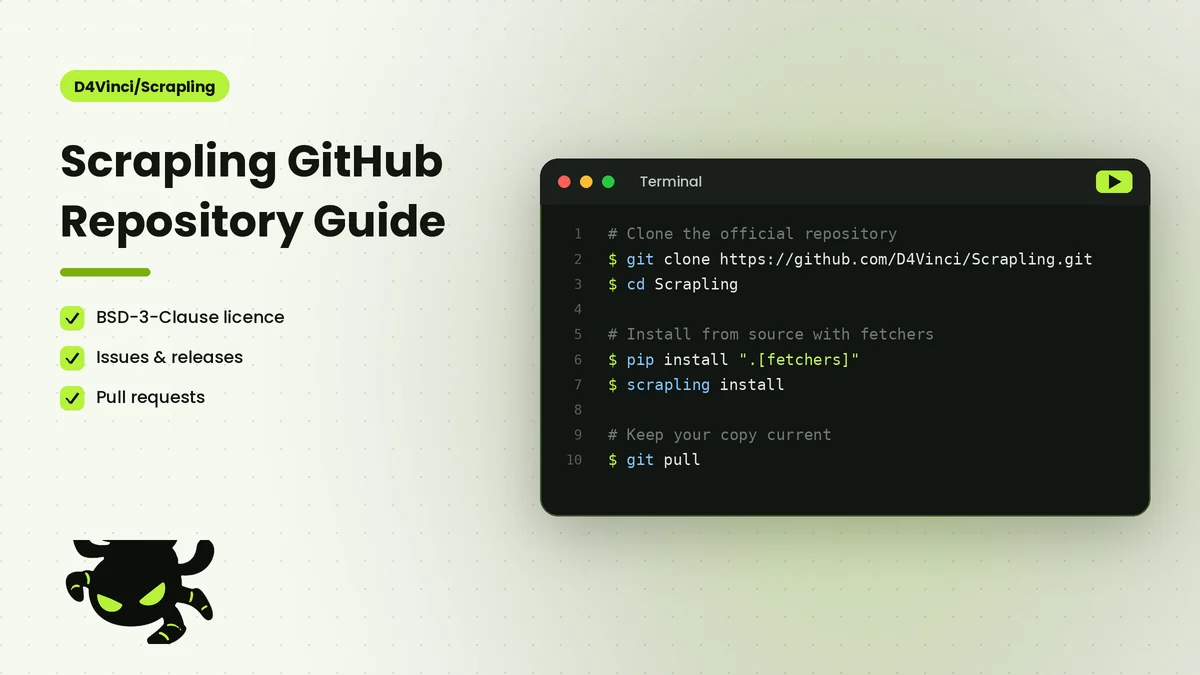
Scrapling GitHub activity happens in the D4Vinci/Scrapling repository, the official home of the framework's source code, issue tracker and release history. Whether you want to read how adaptive tracking works, install the newest code or report a bug, the repository is the place to start. This article explains how to find your way around it and use it productively.
Finding the Official Repository
The project lives at github.com/D4Vinci/Scrapling. D4Vinci is the GitHub account of Karim Shoair, who designed and created Scrapling. Using this exact address matters, because forks and mirrors may contain outdated code or changes that the maintainer never reviewed.
The repository has attracted a very large following among Python developers, which means discussions, issues and pull requests move quickly. Bookmarking the official page and enabling notifications for releases is the most reliable way to stay current.
What the Repository Contains
The repository holds more than the library itself. Alongside the Python package, it includes the documentation sources, the Agent Skill for coding assistants and the files used to build the Docker image.
- The
scraplingpackage with parsers, fetchers, spiders and the CLI - Documentation that is published on Read the Docs
- An
agent-skillfolder containing the installable Scrapling skill - Docker configuration used to publish the container images
- The licence file, contribution notes and a citation entry for research use
Cloning and Installing from Source
Cloning gives you a local copy that you can read, modify and install. It is the right approach for contributors and for anyone who wants to test changes before they appear in a release.
git clone https://github.com/D4Vinci/Scrapling.git
cd Scrapling
python -m venv .venv
source .venv/bin/activate
pip install ".[fetchers]"
scrapling install
Installing with the dot syntax installs the package from your local folder. If you plan to edit the code, an editable install such as pip install -e ".[fetchers]" lets your changes take effect without reinstalling each time.
Keeping Your Copy Updated
The default branch moves forward as features and fixes land. Pulling regularly keeps your clone aligned with upstream development.
git pull
pip install ".[fetchers]"
Reinstalling after a pull ensures new dependencies are picked up. When browser-related changes arrive, running scrapling install again keeps the browser components in sync with the code.
Following Releases
Tagged releases are the stable checkpoints of the project. Each release page lists changes, and the same versions are published to PyPI for normal pip installation.
Production projects generally benefit from pinning a released version rather than tracking the default branch. A pinned version in requirements.txt makes deployments reproducible and lets you upgrade deliberately after reading the release notes.
| Approach | Source | Best for |
|---|---|---|
| Released version | PyPI via pip | Production and long-running scrapers |
| Default branch | git clone and install | Testing new features early |
| Container image | Docker Hub or GHCR | Servers and CI pipelines |
Reporting Issues Effectively
Good bug reports help the maintainer fix problems faster. Before opening a new issue, search existing ones, because many installation and browser questions have already been answered.
When you do report a problem, include the details that make it reproducible. Vague reports such as "it doesn't work" usually lead to slow back-and-forth.
- Scrapling version, Python version and operating system
- The fetcher or class you were using
- A minimal script that reproduces the problem
- The full error message or traceback
- Whether the problem appears on a public test site such as quotes.toscrape.com
Contributing Code and Documentation
Contributions are welcome through pull requests. Small, focused changes are easier to review than large ones that touch many areas, so it helps to discuss bigger ideas in an issue or discussion first.
Documentation fixes are a valuable starting point. Clarifying an example, correcting a parameter name or adding a missing explanation helps every future user and is a friendly way to learn the codebase.
Before Opening a Pull Request
Running the project's tests and checking formatting locally prevents avoidable review rounds. Reading the contribution notes in the repository tells you which conventions the project expects.
Licence and Responsible Use
Scrapling is distributed under the BSD-3-Clause licence, a permissive licence that allows use, modification and redistribution provided its conditions, such as keeping the copyright notice, are met. Reading the licence file directly is the best way to understand your obligations.
The licence covers the software, not the websites you scrape. Respecting each site's terms, robots.txt rules, rate limits and applicable data protection laws remains your responsibility whichever tool you use.
Reading the Code to Learn the Library
The source is a useful companion to the documentation. Reading how the fetcher classes are organised, or how selectors return their results, often answers questions faster than searching forums, and it shows the exact parameter names each method accepts.
Starting with a small area works best. Pick one class you already use, such as Fetcher or Selector, follow its methods through the package and compare what you find with the examples in the official documentation.
- Search the repository for a class or parameter name you are unsure about
- Read docstrings before diving into implementation details
- Compare examples in the documentation with the code they call
Frequently Asked Questions
Who maintains the Scrapling GitHub repository?
The project was designed and created by Karim Shoair, who publishes it under the D4Vinci GitHub account. Community members contribute through issues, discussions and pull requests.
Should I install from GitHub or PyPI?
PyPI is the better default for most users because it provides released versions. Installing from GitHub makes sense when you need a fix that has not been released yet or plan to contribute.
Where do I ask usage questions?
Search the documentation and existing issues first. For open-ended questions, the repository's discussion area is usually more suitable than the bug tracker.
Conclusion
Scrapling GitHub resources give you everything needed to understand, install and improve the framework, from the source code and Agent Skill to releases and the issue tracker. Clone the repository when you want the newest code, pin a release for production and report problems with clear, reproducible details. For a pip-based setup, see the Scrapling download walkthrough.